
Guide · scanner
Scan Pokémon cards offline
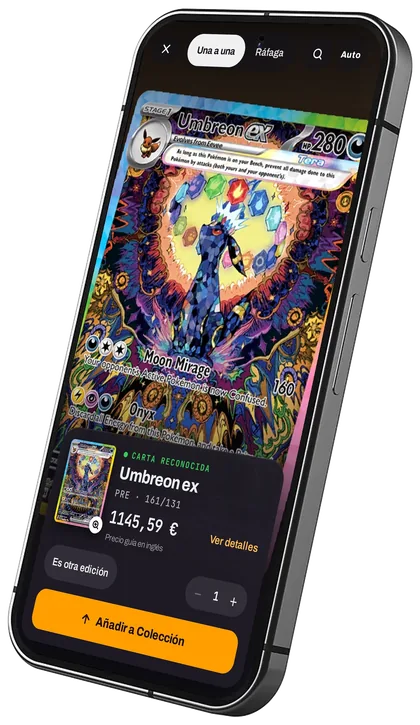
Yes, you can scan Pokémon cards without a connection. Prism’s scanner recognises the card on your own phone, frame by frame, even with no signal. It works at fairs, shops or basements with no network, it is free and there is no scan limit.
Updated 24 October 2026
Why do most scanners need the internet?
Most apps send the card photo to their servers to recognise it. With no signal they fail, and they usually cap free scans because every photo costs them money. Prism recognises on the device, so it does not depend on the network and has no reason to limit you.
How do you scan a card with Prism?
- Open Prism and tap the camera button.
- Hold the card in front of it; no need to take a photo, it recognises it as soon as it sees it.
- Check the proposed card (if two versions look alike, it shows both) and add it to your collection or a binder.
- Scan one after another in burst mode.
Is the photo sent anywhere?
Offline, no: everything happens on the phone. Online, Prism also sends a crop of the card (just the card, not the whole picture) to its server to confirm it when it is unsure; it is used to answer and then discarded. It is only kept if you agree, when you open the scanner or in Settings, to help improve recognition, and then it is kept without your name or account.
What about prices offline?
Recognition works offline. To see today’s price of a new card you need a connection; your collection is stored on the phone and can be checked with no signal.